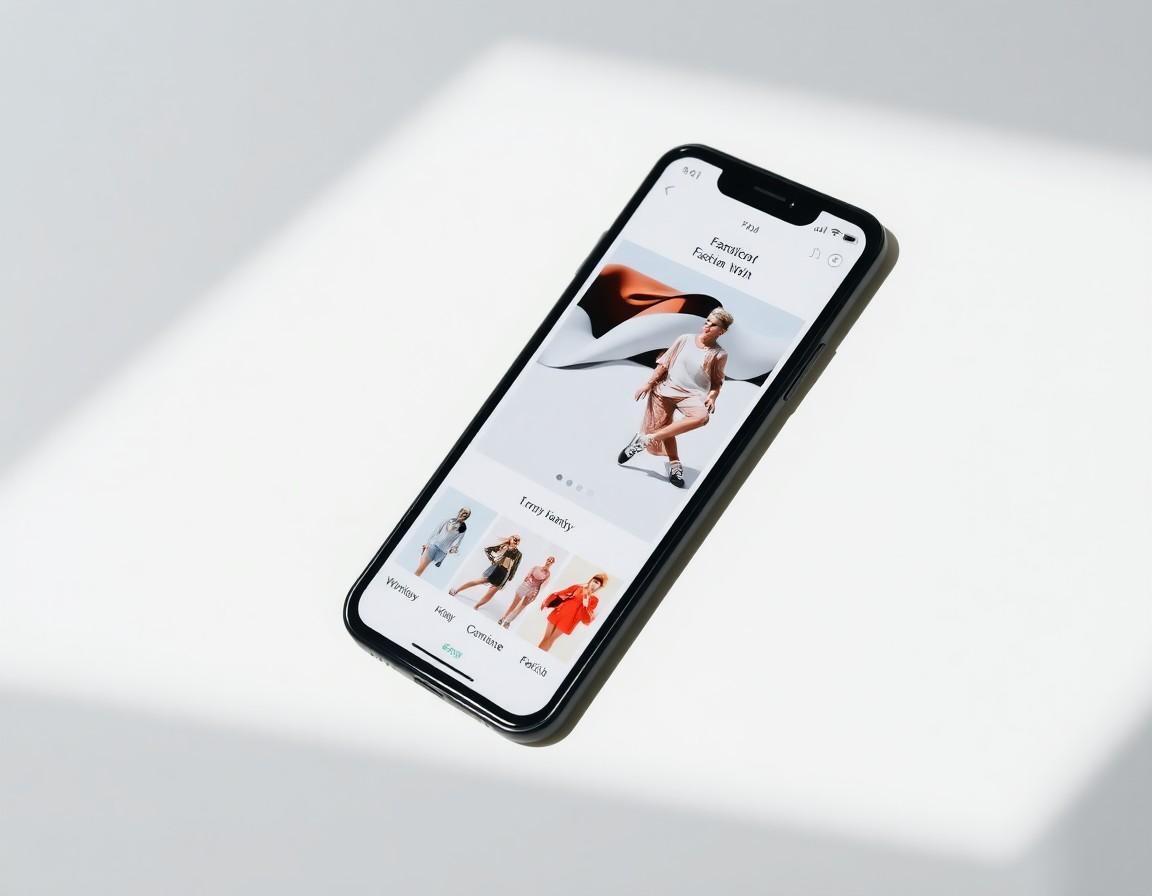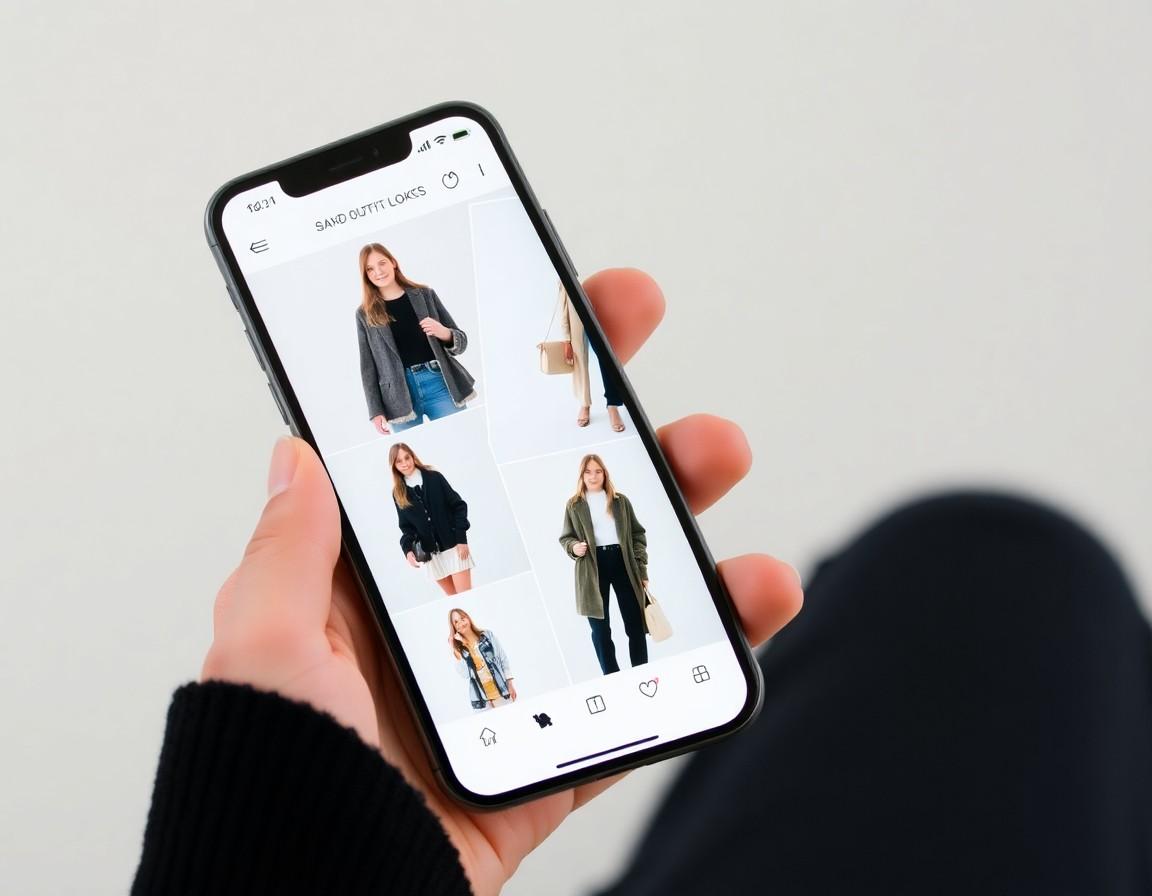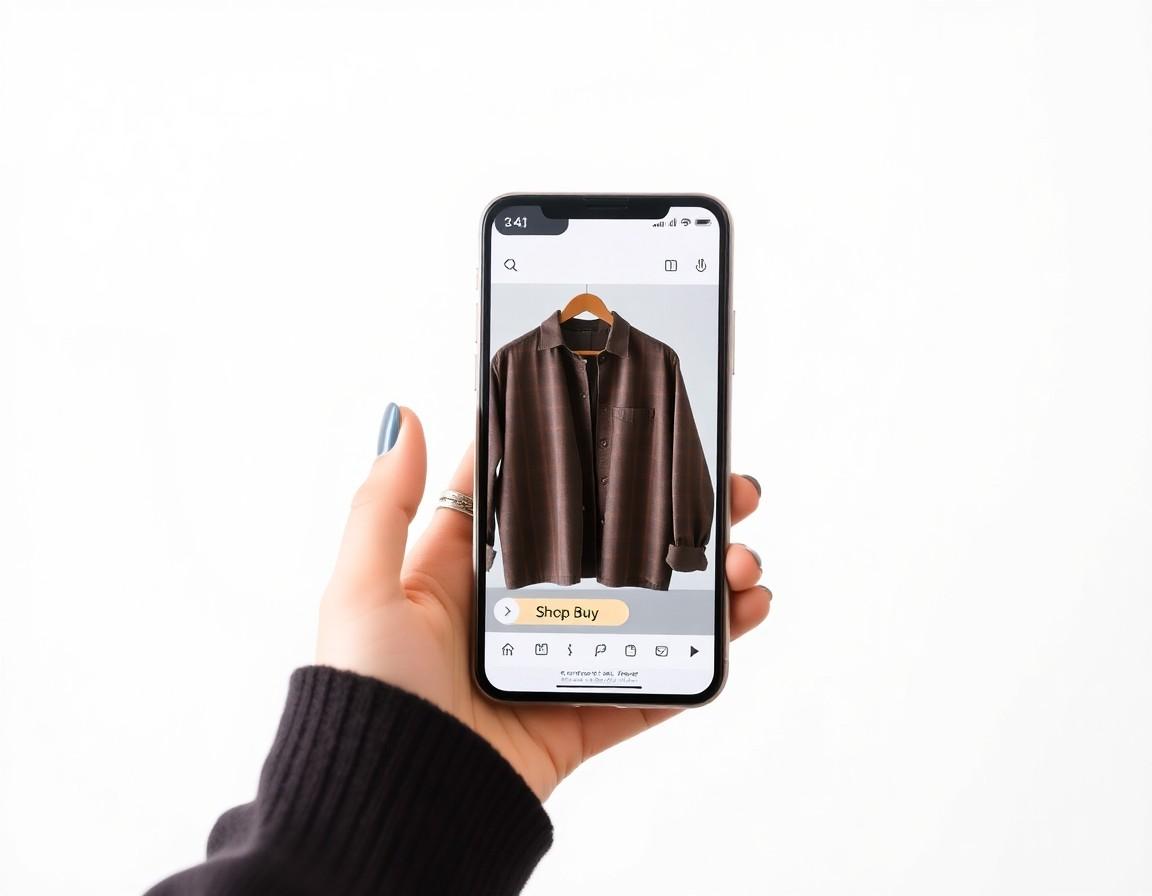
Finding a look you love is the fun part. But there's always a quiet moment right after — the one where a great preview has to turn into an actual purchase. How do you get from “this is the one” to a parcel on your doorstep without losing the thread? This post walks through how that hand-off works: what a shopping link really does, why it sends you to the brand instead of keeping you in one place, and how to make the jump cleanly so the item you loved is the item you check out.
The gap between “I love it” and “I bought it”
Online shopping has always had a seam in the middle. You discover a piece somewhere — a feed, a search, a preview — and then you have to re-find it on the store that actually sells it, confirm it's the same item in the same color, and complete the order. Every one of those little steps is a place where momentum leaks out. You lose the tab, the color you saw isn't the one in stock, or you simply get distracted and the look slips away. A shopping link exists to close that seam, carrying you from the thing you saw to the place you can own it.
What a shopping link actually does
A shopping link is a direct route from a specific item to that item's page on the brand's own store. It's not a checkout in itself, and it isn't a copy of the product living somewhere else — it's a pointer that says, “here is exactly where to buy this.” When you tap it, you land on the brand's product page for that piece, where you'll see the current price, the available sizes, the full description, and the checkout flow the brand runs themselves. The job of the link is to get you to the right page without making you hunt for it.
Why you buy from the brand, not the app
It might feel simpler if everything happened in one window, but sending you to the brand to complete the purchase is the honest way to do it — and usually the better one for you. The brand owns the inventory, the pricing, the sizing, and the after-sale support. When you check out on their site, you get their live stock levels, their current promotions, and their returns and warranty policy, all backed by their own customer service.
That separation matters when something goes wrong. If a size runs out or a price changes, the brand's page is the single source of truth — there's no risk of buying from a stale copy. Your payment details and order go straight to the retailer you already trust, rather than through an extra middle layer. A preview helps you decide; the brand handles the money, the shipping, and your rights as a customer.
Following the link without losing the look
The handoff is smoothest when the link is tied to the exact item you previewed, so you arrive on the right product page rather than a generic landing page or a homepage. A good link preserves the details that matter — ideally the specific garment, and where possible the color or variant you were looking at — so the leap from preview to product page feels like one continuous step instead of starting your search over. The goal is simple: what you loved is what you land on.
Check these before you check out
However you got to the product page, take ten seconds to confirm a few things before you pay. A preview tells you whether a look suits you; the brand's page tells you everything else you need to buy with confidence:
- The item matches. Same garment, same color or print you previewed — not just a lookalike from the same line.
- Your size is in stock.Availability is live on the brand's site and can change between your preview and your order.
- The size guide.A preview shows how something looks, not how it measures — check the brand's chart for fit.
- Price and any promos. Confirm the current price and whether a discount code applies before the final step.
- Shipping and returns. Delivery times and the return window are set by the brand, so read them once up front.
Why a preview makes the purchase better
The reason this flow works is that the hardest question gets answered first. By the time you reach the brand's page, you've already seen the piece on yourself, so you're no longer guessing whether the color, length, or silhouette is right for you. That confidence is exactly what cuts down on the order-it-and-hope cycle — fewer impulse buys you regret, and fewer parcels heading straight back. The link doesn't just save you a search; it lets a decision you've genuinely made carry all the way through to checkout.
How it comes together in TRYSHOP
This is the path TRYSHOP is built around. You preview an item on your own photo, and when you're ready to buy, the shopping link takes you to the brand's store to complete the order on their site — with their stock, their pricing, and their checkout. TRYSHOP's part is the confident yes; the brand handles the rest. It keeps the try-on honest as a visualization, and keeps your purchase, your payment, and your returns exactly where they belong.