Have you ever put on a shirt and had someone say “you look tired” — when you felt fine? Or worn a different color and gotten compliments all day? That's not your imagination. Certain colors genuinely flatter your complexion and others fight it, and figuring out which is which can transform how your whole wardrobe looks on you. Here's how to find your best colors — and how AI try-on lets you test the answer instead of guessing.
Why some colors flatter and others fight
The clothing nearest your face reflects light — and color — onto your skin. The right shade makes your complexion look brighter, more even, and more rested; the wrong one can cast a shadow, wash you out, or emphasize redness. This is the whole idea behind “color analysis,” the styling practice of matching clothing colors to your natural coloring. You don't need to buy into the full system to use its core insight: color near your face matters more than color anywhere else on the outfit.
Warm, cool, or neutral?
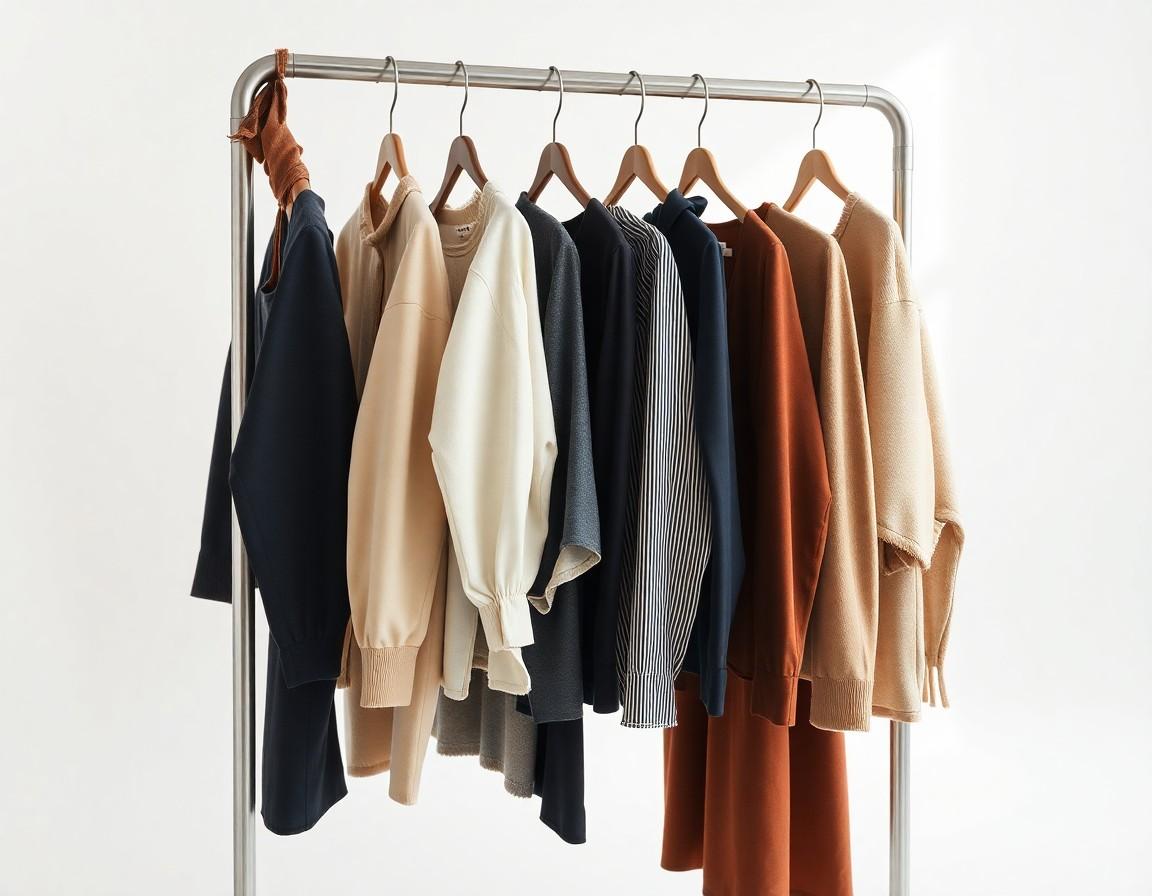
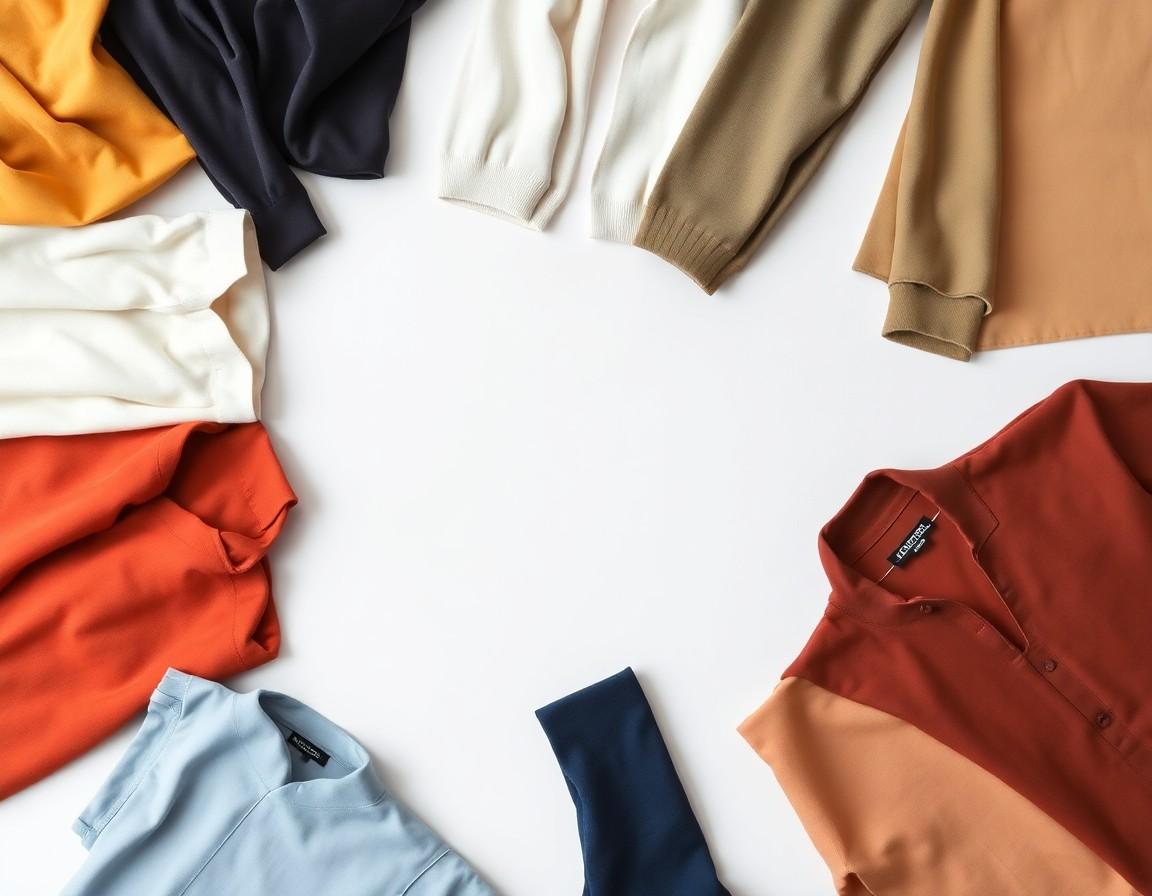
The most useful starting point is your undertone — the subtle cast beneath your skin's surface color, which is separate from how light or deep your skin is. Warm undertones lean golden or peachy and tend to glow in earthy shades like olive, rust, cream, and warm reds. Cool undertones lean pink or blue and come alive in jewel tones — sapphire, emerald, true red, and cool grays. Neutral undertones sit in between and can carry a wide range. Most color guidance flows from this one distinction.
Two quick self-tests
You can get a rough read in a mirror. Look at the veins on the inside of your wrist in natural light: bluish-purple veins often suggest a cool undertone, greenish veins a warm one, and a mix points to neutral. The second test is jewelry — if silver tends to look crisp and flattering on you, you may be cool; if gold makes your skin look warm and lit-up, you may be warm. Neither test is definitive, but together they point you in the right direction.
Why guessing isn't enough
Here's the catch with all color theory: knowing “cool jewel tones suit me” is not the same as knowing whether this specific emerald sweaterlooks good on you. Real garments vary enormously — two greens labeled the same can read completely differently against your skin, and lighting, saturation, and fabric all shift the effect. Theory narrows the field; it can't make the final call. For that, you have to actually see the color on you.
Where AI try-on changes the game
This is exactly what virtual try-on is good at. Color rendering against your skin tone is one of the things AI previews get most right — so instead of imagining whether a shade flatters you, you can put it on your own photo and look. Try the same style in three or four colors back to back and the differences jump out immediately: one makes your face look bright and awake, another drains it. That side-by-side comparison, on your face, is worth more than any color-season label.
Build your personal palette
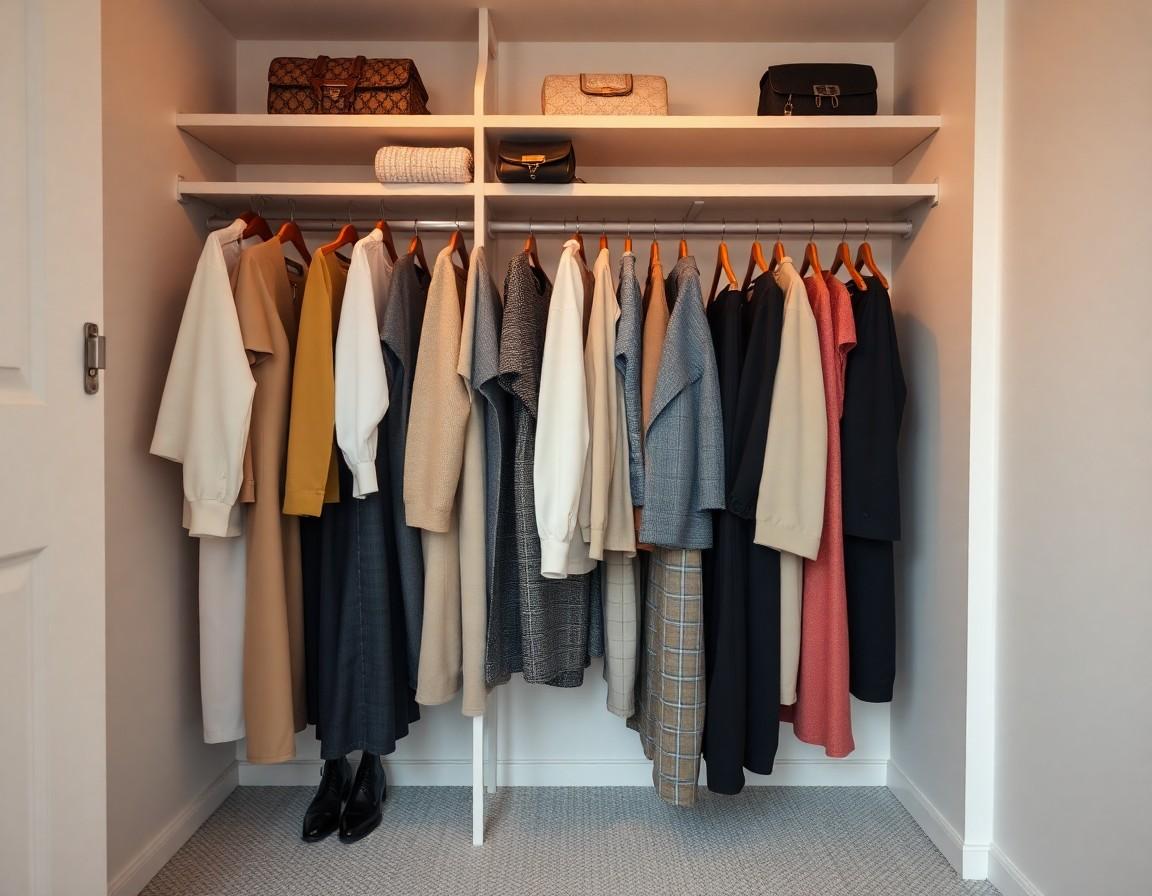
Over a few try-on sessions, you'll start to see your winners repeat — the handful of shades that consistently make you look your best. That collection is your personal color palette, and it's genuinely practical: it makes shopping faster (you can skip whole racks), helps everything in your closet coordinate, and takes the guesswork out of buying online. A wardrobe built around your best colors simply works harder for you.
Find your colors with TRYSHOP
TRYSHOP makes the test effortless: browse items from top brands and preview them on your own photo, then compare colors side by side to see which ones light you up. It's the easiest way to answer “what colors suit me?” — by looking, not guessing.