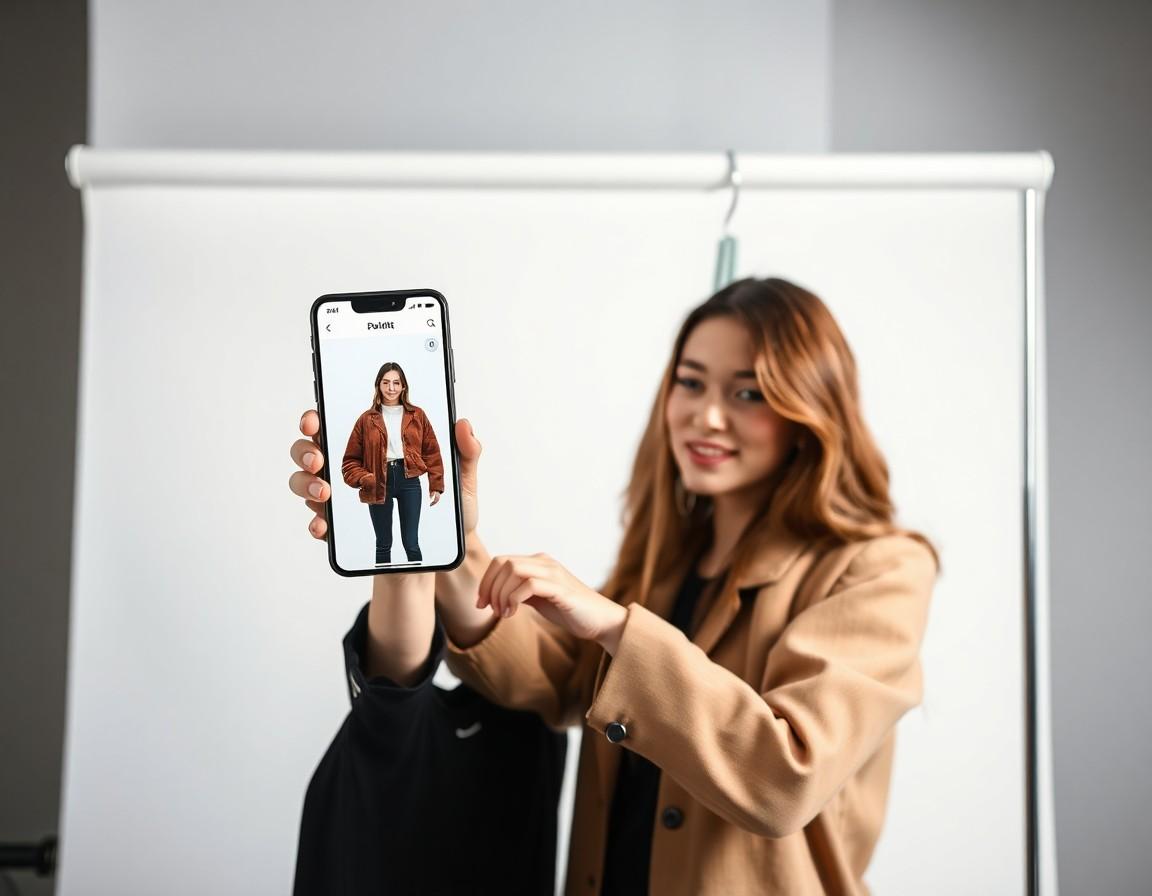
Virtual try-on asks you to do something that gives a lot of people pause: upload a photo of yourself. That hesitation is healthy. Your photo is personal, and you have every right to ask where it goes and what happens to it. The good news is that with a little awareness, you can enjoy try-on tools confidently. Let's walk through what a photo is actually used for, what to look out for, and the simple habits that keep you in control.
What your photo is actually used for
At its core, virtual try-on does one job with your photo: it generates a preview of you wearing a garment. The AI reads your pose, proportions, and the lighting in the image, then renders the clothing onto that picture. The photo is the input; a try-on image is the output. That's the whole purpose — there is no fitting or visualization without a picture of you to work from.
What matters for your peace of mind isn't that a photo is used — it has to be — but howit's handled around that single job: whether it's stored, for how long, who can see it, and whether it's ever used for anything beyond making your preview. Those questions all have answers, and reputable apps are upfront about them.
Why the privacy policy is your best friend
It's easy to skip past the privacy policy, but for anything involving your photo, it's the document that actually matters. A good policy tells you, in plain terms, what data is collected, how long photos are kept, whether images are used to train AI models, and whether anything is shared with third parties. If a policy is clear, specific, and easy to find, that's a strong sign the company has thought carefully about your data.
The reverse is also true. If you can't locate a privacy policy, or it's vague, contradictory, or buried, treat that as a warning. You don't need to read every clause like a lawyer — just skim for the parts that answer “what happens to my photo?” A few minutes here is the single most useful thing you can do before uploading anything.
Questions worth asking before you upload
Whatever app or website you're considering, a short mental checklist goes a long way. These are the points a trustworthy service should be able to answer clearly:
- How long are my photos kept? Is the image deleted after the preview is made, or stored indefinitely?
- Are my photos used to train AI? Some services use uploads to improve their models — you should know if yours does.
- Is anything shared with third parties? Look for who, if anyone, receives your data and why.
- Can I delete my data? A clear way to remove your photos and account is a good sign.
- Who is behind the app? A real, identifiable company with a track record beats an anonymous one.
Pick a good photo — and keep it modest
Here's a tip that helps with both privacy and results: you don't need a revealing photo to get a great try-on. Virtual try-on works best with a clear, well-lit, front-facing shot where your torso is visible in ordinary clothing. A normal photo in a t-shirt or fitted top is ideal. There's no benefit to uploading anything more exposed — it won't improve the preview, and it's simply not worth sharing an image you wouldn't be comfortable with existing on a server somewhere.
Think of it the way you'd think about any photo you put online: choose one you'd be fine seeing again later. That instinct keeps you on the safe side without costing you anything in quality.
Stick to trusted apps and stores
Where you get the app matters as much as the app itself. Downloading from an official source like the Google Play Store or the Apple App Store means the app has passed a review process and the developer is identifiable. App store listings also surface the developer name, ratings, recent reviews, and a privacy summary — all useful signals. Be wary of try-on tools that ask you to sideload an app from a random link, or websites that demand a photo upload before you've seen who runs them.
Reputation is a reasonable shortcut, too. An app from a known company, with thousands of genuine reviews and a clear privacy policy, is a safer bet than an unknown tool that appeared yesterday. None of this is foolproof, but stacking a few sensible signals dramatically lowers your risk.
Common-sense habits that keep you in control
Beyond the photo itself, a handful of everyday habits make any online tool safer. Use a strong, unique password and turn on two-factor authentication where it's offered. Review the permissions an app requests — a try-on app needs your photos, but it has no reason to demand your contacts or location. And if you decide you're done with a service, take the time to delete your account and data rather than just removing the app from your phone.
These aren't try-on-specific rules; they're the same sensible habits that protect you across the internet. Applying them here means you can experiment freely without leaving loose ends behind.
How TRYSHOP approaches your photos
TRYSHOP is a virtual try-on app from Astur Labs, available on the Google Play Store, that lets you preview clothing from top brands on your own photo. We use your photo for one thing: generating the try-on previews you ask for. We believe you should never have to guess what happens to your data, so the specifics — what we collect, how it's handled, and your choices — live in our privacy policy, which we'd genuinely encourage you to read before you start. If anything there isn't clear, that's on us to fix.
The bottom line
Virtual try-on can be perfectly safe to use — the key is being a thoughtful user. Read the privacy policy, choose a modest and sensible photo, stick to trusted apps from official stores, and lean on the same habits that protect you everywhere online. Do that, and you get the fun part — seeing clothes on yourself before you buy — without the worry.