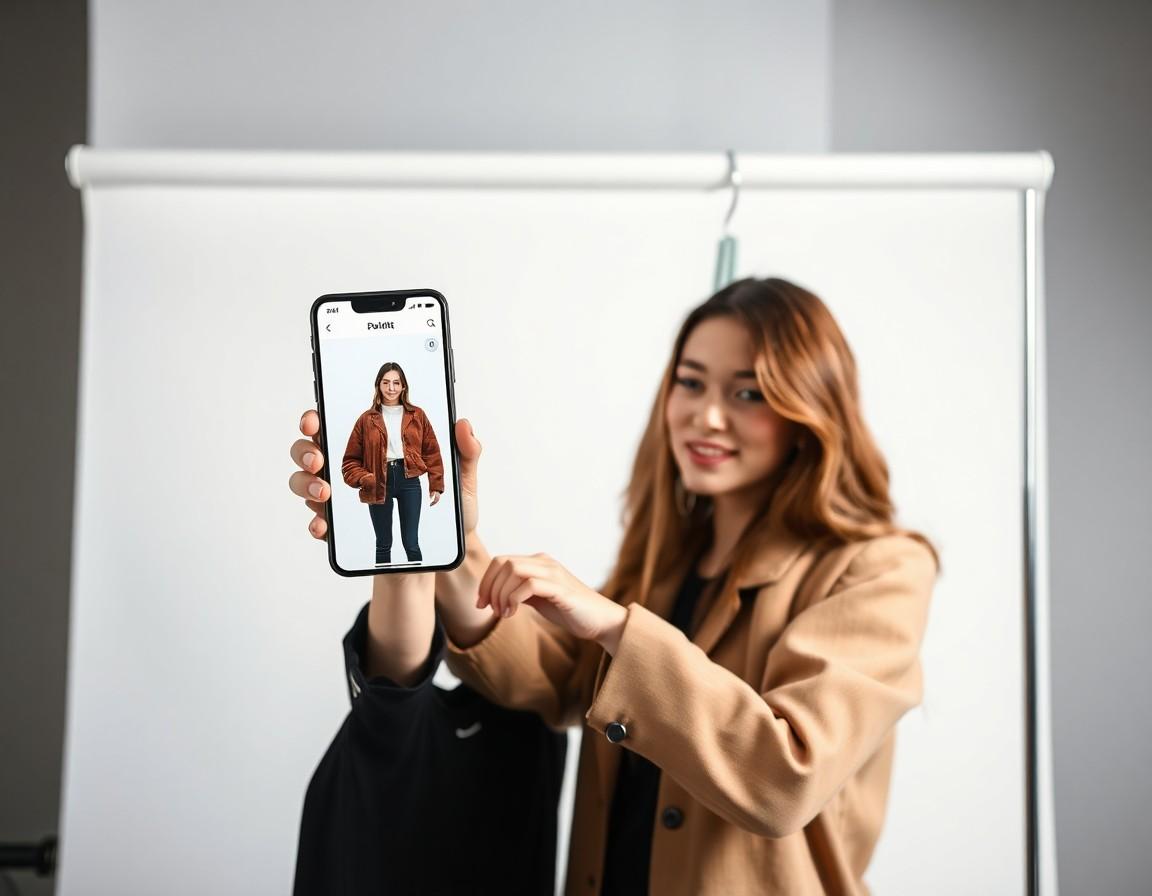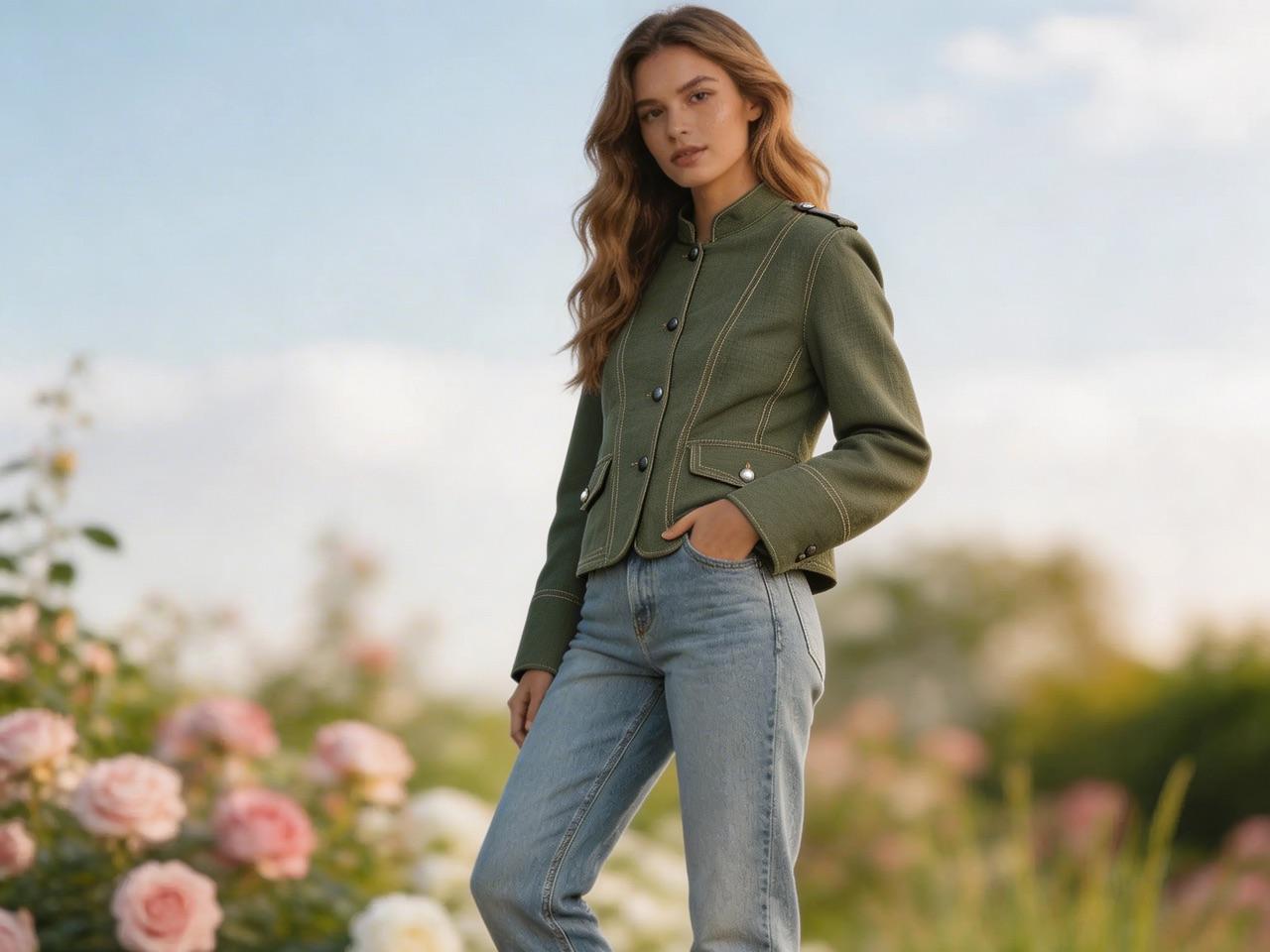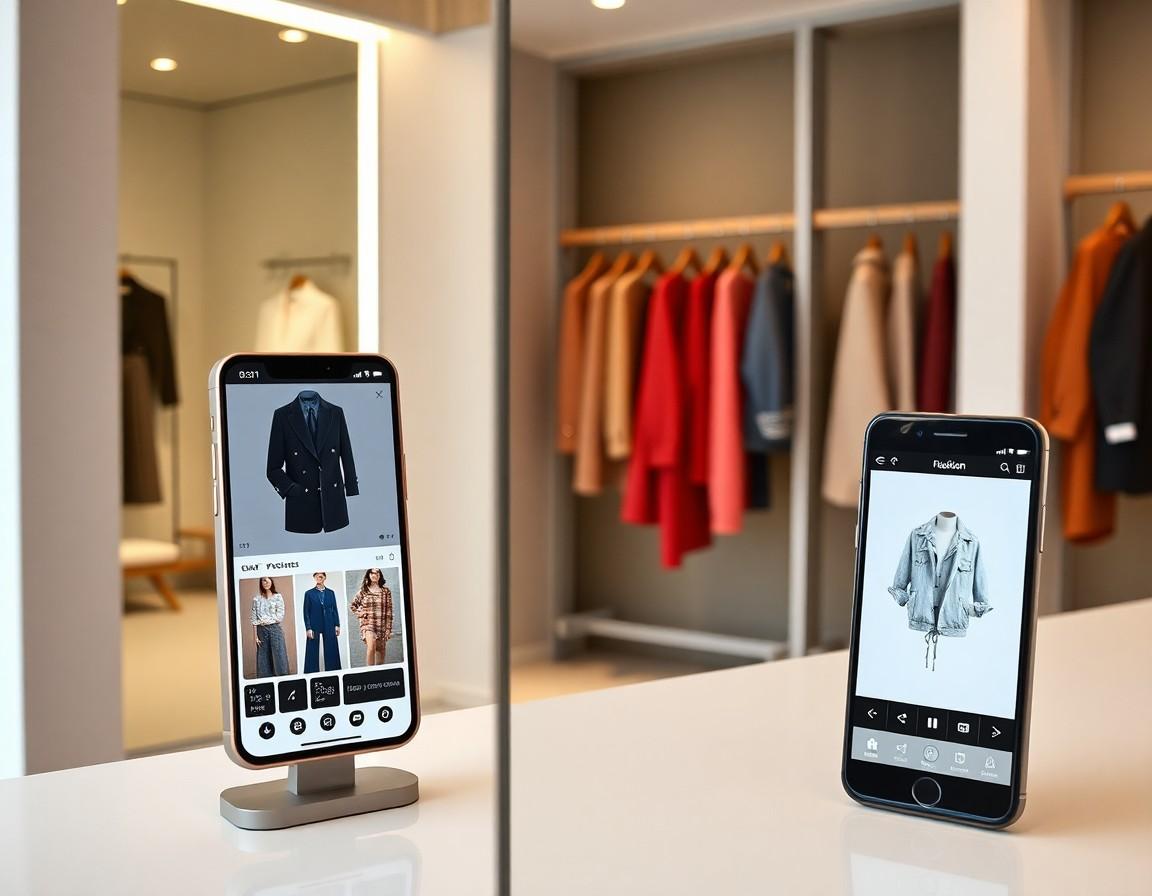
Here's the single biggest secret to great virtual try-on results: it's not the app, it's the photo. AI generates a preview from the image you give it, so a sharp, well-lit photo produces a realistic try-on, while a dim, angled selfie forces the model to guess — and guesses show. The good news is that a great try-on photo takes about thirty seconds and zero special equipment. Here's exactly how to shoot one.
Light is everything
Soft, even lighting is the number-one factor. Stand facing a window during the day so daylight falls evenly across your whole body — this is the single easiest way to look great in a preview. Avoid harsh overhead lights that cast shadows under your chin and shoulders, and never shoot with a bright window or lamp behind you, which turns you into a silhouette. If the room is dim, the AI has less to work with and the result gets muddy. When in doubt, find more even light.
Show your whole body
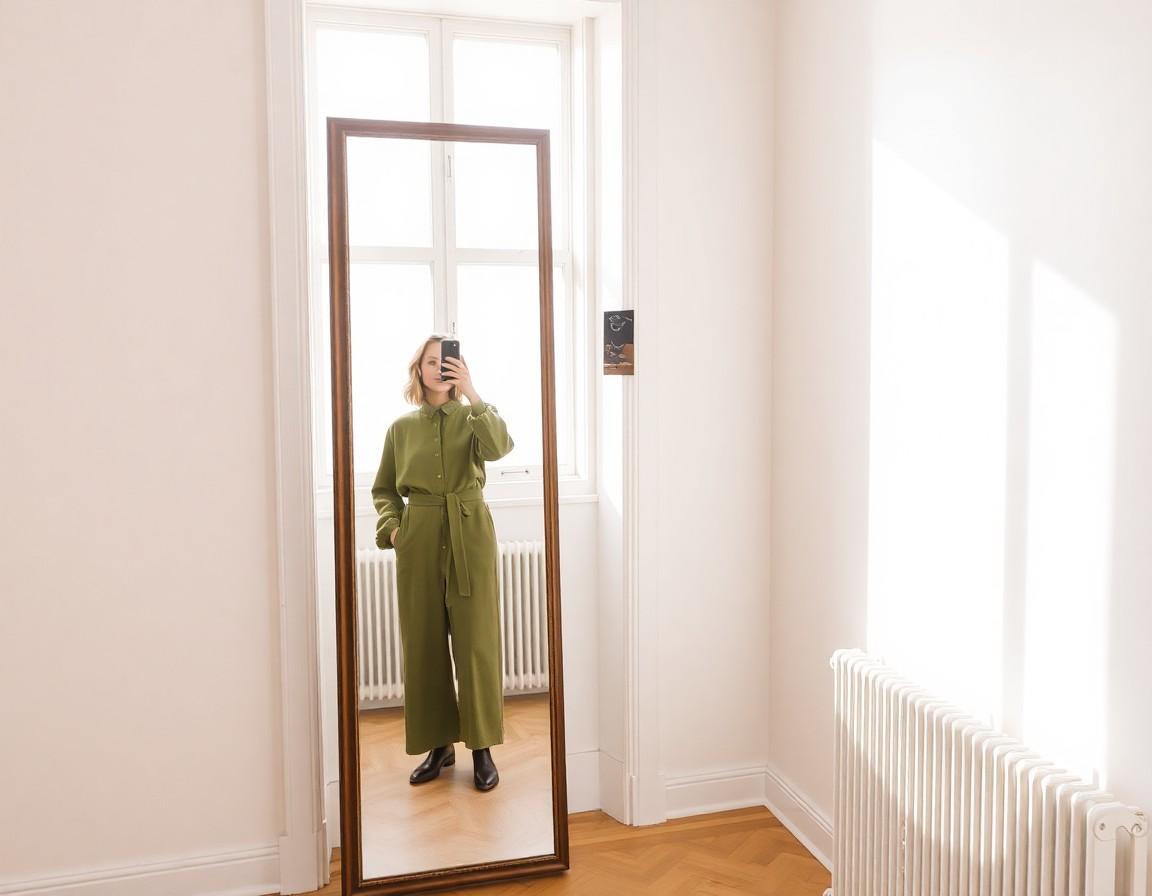
For tops, dresses, jackets, and full outfits, include your body from head to at least mid-thigh — and ideally head to toe. The AI needs to see your proportions to fit a garment correctly, so a tight crop at the chest gives it nothing to work with below. A full-length mirror is the classic tool, but propping your phone against a stack of books a few steps away and using the timer works just as well, and keeps your hands free and natural.
Stand naturally and face the camera
A relaxed, front-facing pose reads best. Stand straight with your arms slightly away from your sides — not pinned to your body, not flung out — so the edges of your torso are clearly visible. Squared up to the camera beats a heavy three-quarter angle, because the AI can map a garment most accurately when it can see your full front. Keep your posture loose; a stiff, rigid stance translates into a stiff-looking preview.
Wear something simple
What you wear in the photo affects the result, because the AI works from the shape of your body. Fitted, plain clothing — a snug tee and leggings or slim trousers — gives the cleanest read of your silhouette. Bulky hoodies, flowing dresses, and busy patterns hide your actual shape and can confuse the fit. Think of your base photo as a blank canvas: the simpler it is, the better the new garment sits on top.
Keep the background clean
A plain wall is your friend. A cluttered background — a busy room, other people, strong patterns behind you — makes it harder for the AI to separate you from the scene, and small errors there can ripple into the garment. You don't need a studio backdrop; a stretch of bare wall or a closed door is plenty.
Skip the filters
This one trips people up. Beauty filters, heavy editing, and strong color presets change the lighting and skin tones the AI reads, so a filtered photo produces a filtered-looking, less realistic preview. Use the plain camera, no enhancements. The same goes for extreme angles that flatter on social media — straight-on and honest wins for try-on.
A 30-second checklist
Before you snap, run through five quick things:
- Even, natural light on your front — window in front of you, not behind.
- Full body in frame, head to at least mid-thigh.
- Relaxed, front-facing pose with arms slightly out.
- Simple fitted clothing and a plain background.
- No filters, no heavy editing, no extreme angle.
Nail those and you'll be amazed how realistic the results look.
Try it in TRYSHOP
Once you have a good base photo, the rest is fun: open TRYSHOP, browse catalogs from top brands, and preview any item on yourself in seconds. Save a couple of go-to photos in your gallery and you're ready to try on anything, anytime — no fitting room required.